Create the wedding
Set the couple name, date, private guest code, and share-ready link.
For couples planning the guest view
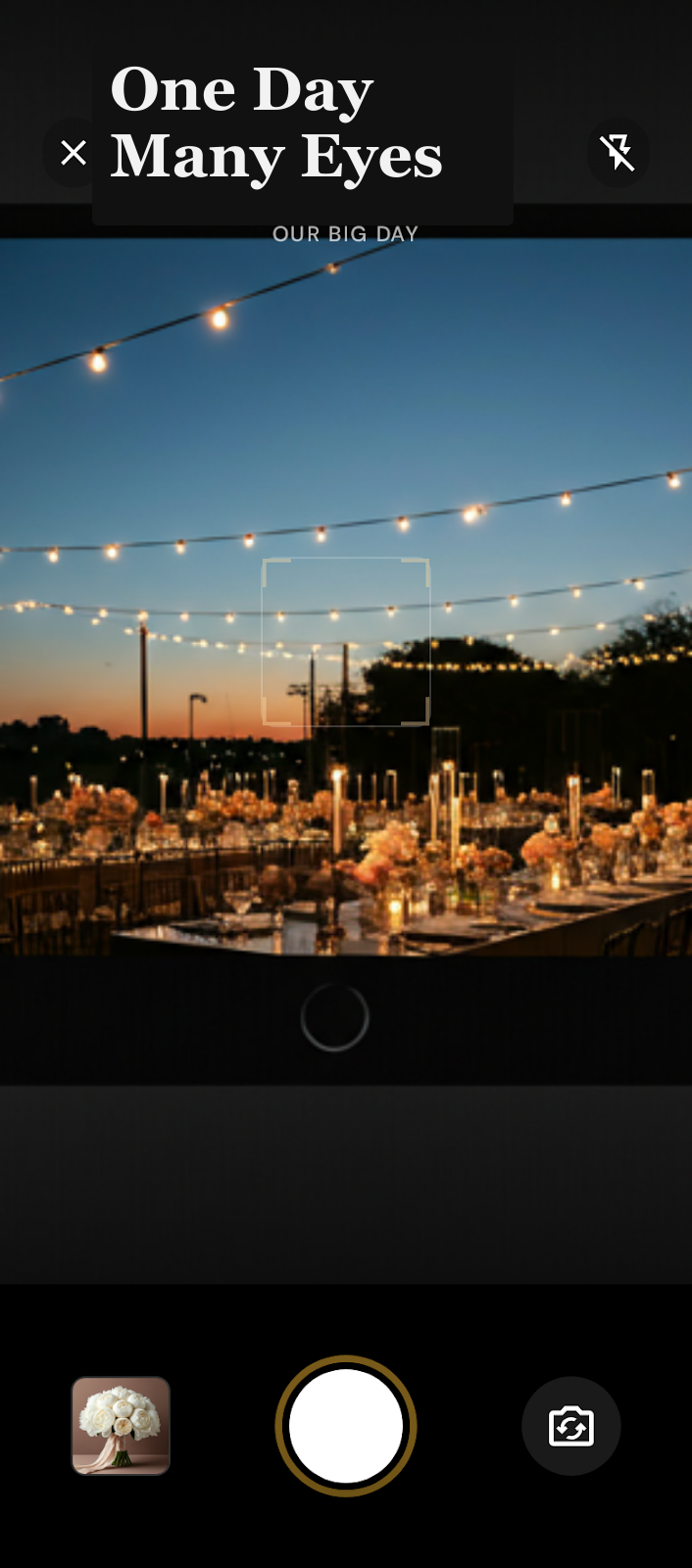
Guests scan a QR code and contribute from their phone browser. No app download. No guest account. Just one private album from every point of view.
From QR scan to wedding album
Guests scan the code at the bar, table, welcome sign, or program. The album opens in their phone browser so they can add the photos they are already taking.
Set the couple name, date, private guest code, and share-ready link.
Put the QR code on a sign or card. Guests open the album in their phone browser.
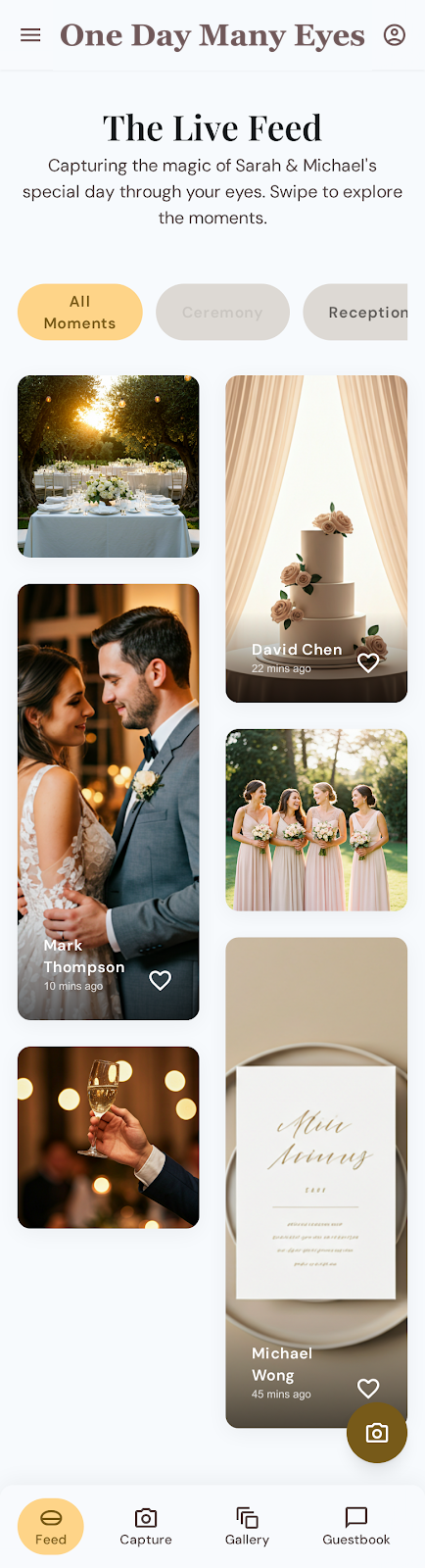
They add photos, hearts, and guestbook notes without downloading an app or creating an account.
The product promise
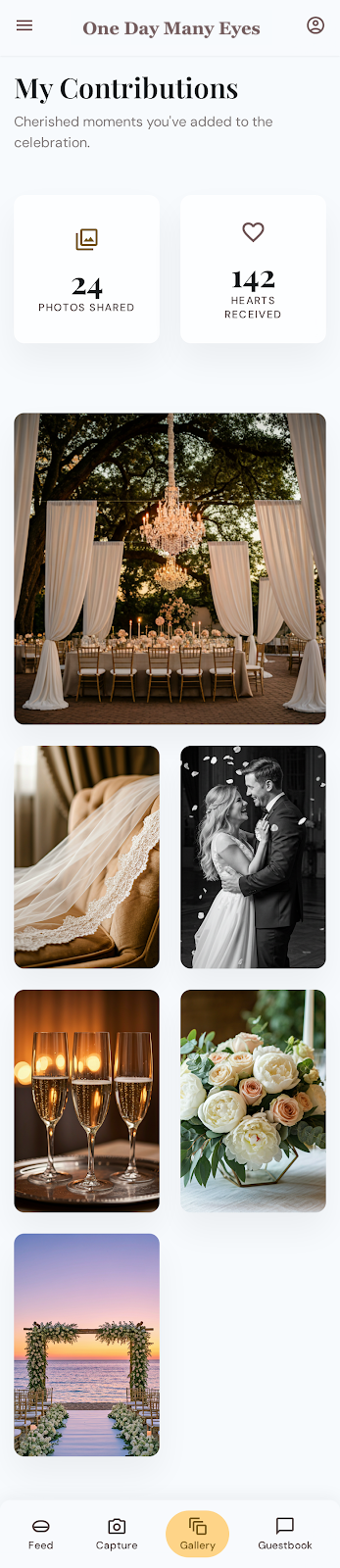
Photos are not trapped in separate camera rolls. They become a shared private album the couple can keep, browse, and moderate.
For the couple or planner
Start the wedding album now, or send a short pilot inquiry if you want help getting the QR handoff ready before purchase.
Quick answers
No. One Day Many Eyes is planned as a one-time event purchase for a single wedding.
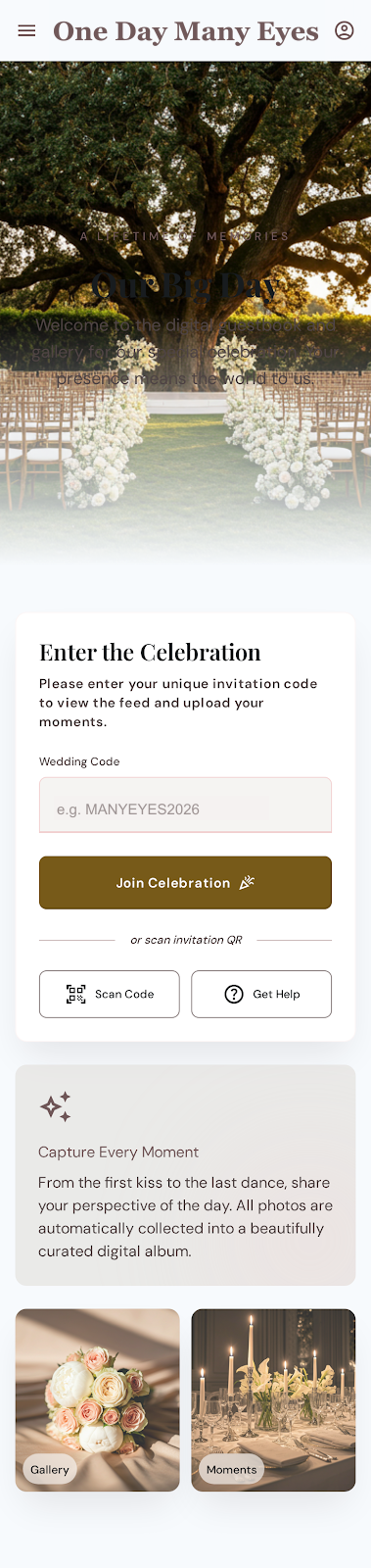
No. Guests scan the QR code, open the album in their phone browser, enter the private wedding code, and contribute.
No. For privacy, guests should ask the couple or host for the private code.
Not in the pilot. The current product is focused on photos, hearts, and guestbook notes.
Built for the week of the wedding
Create the wedding, choose the private code, and have one simple link ready for friends and family.